
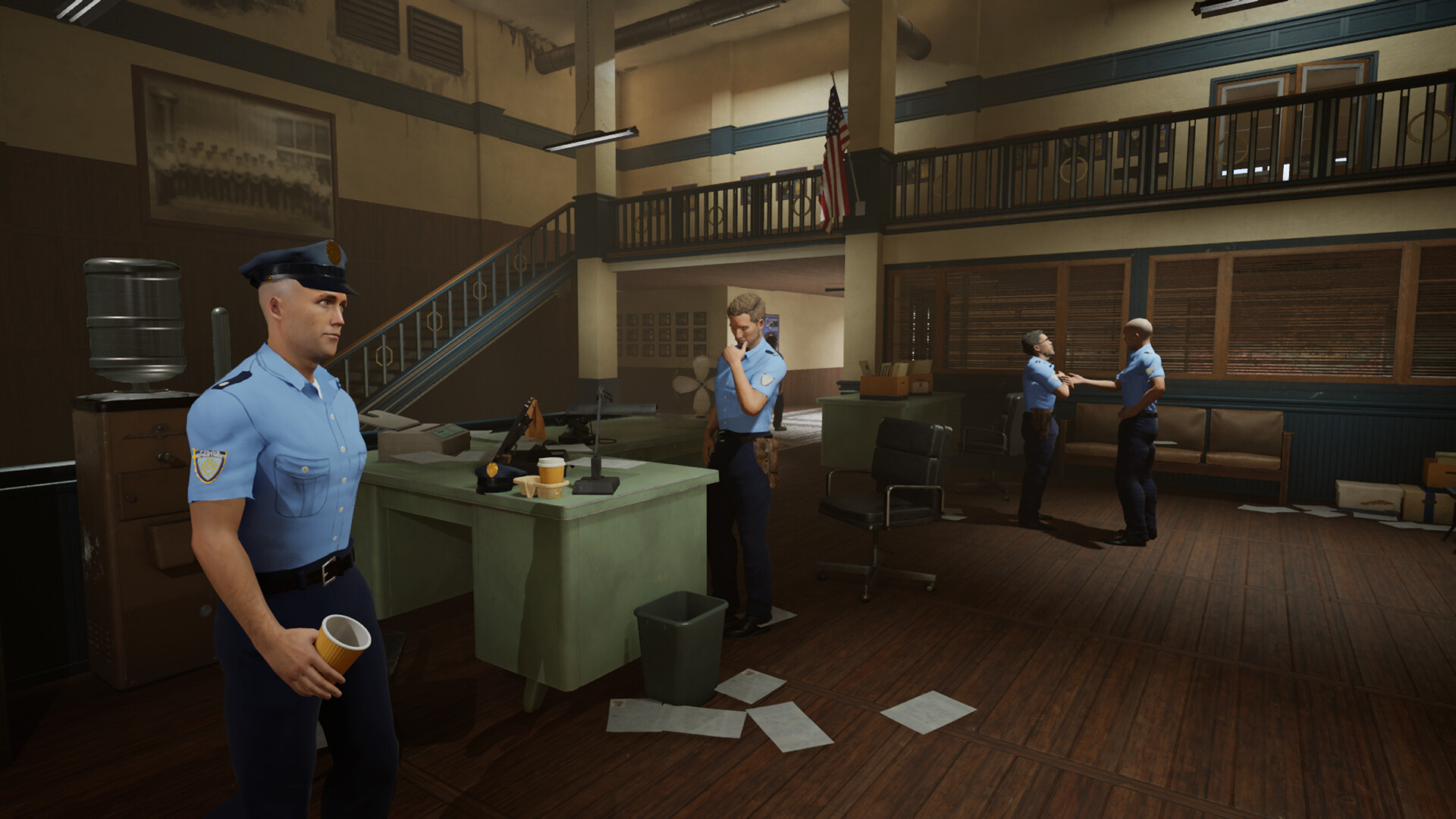
police chief simulator controls official Police Chief Simulator screenshot

Police Chief Simulator Controls: Keys, Menus & Driving

Police Chief Simulator is played on keyboard and mouse: E interacts, TAB opens the tools menu, holding Ctrl enters furniture placement (rotate with the mouse wheel), stamps and scanner are clicked directly, and driving uses W/A/S/D with Space for the handbrake, L for lights, H for horn, and C for the camera. No official controller layout has been shown in any footage — every known video uses keyboard and mouse.

Key facts at a glance

  • E interact · TAB tools · M map
  • Hold Ctrl to place furniture; mouse wheel rotates
  • Driving: Space handbrake · L lights · H horn · C camera
  • All known footage is keyboard + mouse only

The core keyboard and mouse controls

The interact key E does most of the physical work in Police Chief Simulator: opening doors, opening boxes, flipping the power switch, entering the speed gun's aiming mode, and pumping fuel. TAB opens the tools menu where your crowbar, broom, flashlight, stamps, pen, and ticket book live; anything you pick up can join it. Patch #6 (September 19, 2026) added two official key bindings: Stash = I and Ammo Use = E. The official launch-week devlog also confirmed two radial menus: a fully customizable Tools Menu and an Interaction Menu for dealing with residents — checking IDs, issuing tickets, searching, and arresting.

Furniture placement is hold Ctrl with an item in hand, rotate with the mouse wheel, and left-click only when the highlight turns green — the same flow appears in both demo and full-game footage. There is no confirmed controller button layout: even the Steam forum threads about controller support date to the Prologue, and every full-game video reviewed for this page shows keyboard and mouse only. Treat the game as mouse-first by design.

Station controls: stamps, pen, shredder, scanner

Paperwork is mouse-driven. Pick up the green stamp and click a valid registration form to accept it; the red stamp rejects a form, but the game requires you to mark the rejection reason first or the rejection fails. The pen, unlocked a few days in, corrects fixable mistakes like misspelled names, wrong sex, or a bad birth date — community guides are explicit that wrong photos and expired IDs cannot be corrected, so those forms must be rejected every time.

The scanner is operated by hand: open the lid, put the case file inside, close it, and press the start button; the database search and printing happen automatically as long as the printer has paper. The evidence board uses drag-and-drop — pin printed documents to the victim, suspect, and location slots, connect the dots, then take the photo when the game confirms the connections. A red button on the board wipes a case you started wrong.

Everything at this desk has a physical supply chain worth respecting: forms live on a shelf and run out, printer paper runs out separately, the shredder fills up with rejects, and the magnifying glass drains your energy per use. Players who keep one spare of each within arm's reach process visitors twice as fast as players who discover their shortages live — supply management is the hidden skill of the registration desk.

Phone, computer, and shopping controls

The rotary phone is dialed digit by digit — renovation 369-777, garbage collection 123-123, Tony's pawn shop 612-555 — and numbers you have called are saved as contacts you can click instead of dialing again. Phone menus let you buy items and request delivery. Several players note the delivery driver regularly gets stuck at the town's four-way traffic light, so order early in the day if a room upgrade is blocking your progress.

The station computer runs two apps that matter: the Hired In hiring app, which lists each candidate's strength, charisma, intelligence, and daily wage, and the case computer, where you search citizens by name and print documents. In the locker room, a management board gives you a top-down view of the station for dragging employee files between rooms — the closest thing the game has to an org chart.
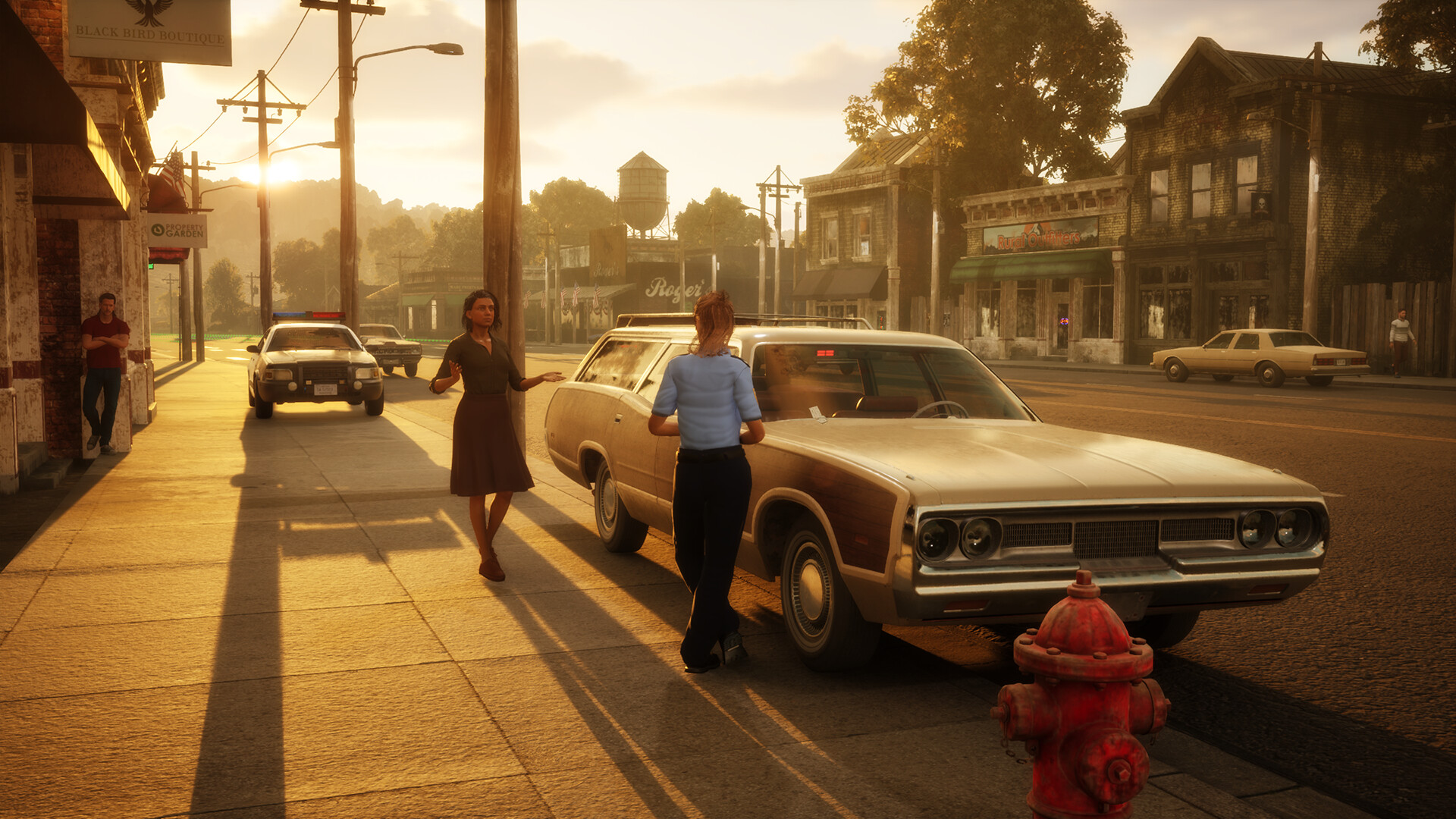
police chief simulator controls related official gameplay screenshot
Official Steam screenshot selected for this page topic.

Driving controls and the vehicle panel

You enter vehicles by clicking the steering wheel (not the seat), and one full-game transcript reads out the panel: W to drive, Space for the handbrake, L for lights, H for horn, C for camera, E to exit the vehicle. The fuel gauge sits in the bottom-left of the HUD, and its white/blue split confuses new players constantly — one streamer drove on fumes because he misread it.

The map opens with M and shows parking zones, the prison, the gun shop, and your station; parking enforcement zones are specifically called out as viewable there. Speed enforcement works from the driver's seat: press E to enter the speed gun's aiming mode, wait for the vehicle to be analyzed, and click to photograph a confirmed speeder and issue the ticket — no pull-over required.

Driving itself has a small learning curve the controls menu softens: enter vehicles via the steering wheel (not the seat), watch the fuel gauge in the HUD's bottom-left corner, and remember that fences break at speed while trees do not. One streamer's misread fuel gauge left him pushing the cruiser toward the pumps — a rite of passage the community narrates with affection, and a five-minute tutorial the game never has to teach twice.

Arrest and interaction controls

Clicking a citizen or criminal opens the radial Interaction Menu with contextual options: write a ticket, body search, check ID, or arrest. Arresting means equipping handcuffs and using the handcuff interaction on the downed or subdued suspect, then carrying them over your shoulder — the game will not let you simply toss a prisoner, so you physically place them in the cruiser's rear seats or a holding cell.

The gun adds its own small control layer seen in footage: a passive-mode toggle, unpacking an ammunition pack before reloading, and switching between rubber and live ammunition. Rubber bullets knock suspects down without killing them; live ammunition is meant for emergencies only, and the game tracks unjustified use — one more reason the rubber default is the community standard.

Controller support status

No video or official post reviewed for this page shows a gamepad being used with Police Chief Simulator. Steam forum threads titled 'Controller support' and 'does not work well with controller' exist on the Prologue hub, which tells you players have tried — but neither the threads' answers nor any official compatibility statement was captured in the research.

Until the Steam store page or the developer states otherwise, treat Police Chief Simulator as a keyboard-and-mouse game and check the in-game controls menu for remapping. The rebindable controls menu at least means an incompatible layout can be adjusted by hand — one launch-week player had to reassign his lights key after it came up unassigned. One conflict worth knowing before it costs you a suspect: players report refill and handcuff handling sharing the right-click binding, so the context prompt — not muscle memory — should decide what a right-click does when you are standing between a supply shelf and someone you just tackled.

Evidence reviewed for this page

The assigned research includes 2 material files: 0 official fact or verification sources, 0 community research leads, and 4 unverified leads. Official facts anchor the page's conclusions; community footage and player transcripts are cited as player experience, with their numbers labelled as player-observed.

SourceEvidence roleHow it is used
SLEEPING ON A CRUSTY MATTRESS | Police Chief Simulator (FULL GAME) - Part 1 ↗unverified-leadNot used as factual support
Police Chief Simulator is WAY Better Than I Expected 👮‍♂️ | First Look ↗unverified-leadNot used as factual support
Police Chief Simulator ↗unverified-leadNot used as factual support
Police Chief Simulator: Prologue - SavageViper ↗unverified-leadNot used as factual support

Still to confirm

These are not omitted shortcuts. They are specific gaps the assigned material cannot support reliably. Each one needs an official announcement, current store listing, developer documentation, or a reproducible check in the current full release.

1. An official keyboard-and-mouse bindings table — the list above is assembled from gameplay footage, plus the two officially published binds from Patch #6 (September 19, 2026): Stash = I, Ammo Use = E

Status: not confirmed. A valid update should record the game version, a source link, and reproducible evidence rather than relying on one creator's narration or footage.

2. Official controller support status, supported gamepads, and whether remapping covers full gamepad play

Status: not confirmed. A valid update should record the game version, a source link, and reproducible evidence rather than relying on one creator's narration or footage.

3. The default siren key (players show both K and H for siren/horn in different builds)

Status: not confirmed. A valid update should record the game version, a source link, and reproducible evidence rather than relying on one creator's narration or footage.

4. Whether keybind remapping persists between sessions (one streamer's setting reset)

Status: not confirmed. A valid update should record the game version, a source link, and reproducible evidence rather than relying on one creator's narration or footage.

Source and page status

Target keywordpolice chief simulator controls
GamePolice Chief Simulator
Verified settingWinston Springs County
Research cutoff2026-09-30
Primary official sourceSteam store and official announcements ↗